Creating an account on our platform is quick and easy. Once registered, you can create and manage legal agreements, collaborate with others, and access key features designed for businesses. Follow these simple steps to get started:
Step 1: Visit the Registration Page
- Open your web browser and go to SMVRT Legal.
- Locate and click on the "Login" button at the top right corner of the homepage.

Step 2: Fill in Your Personal Information
You will be directed to a registration form where you need to provide the following information:
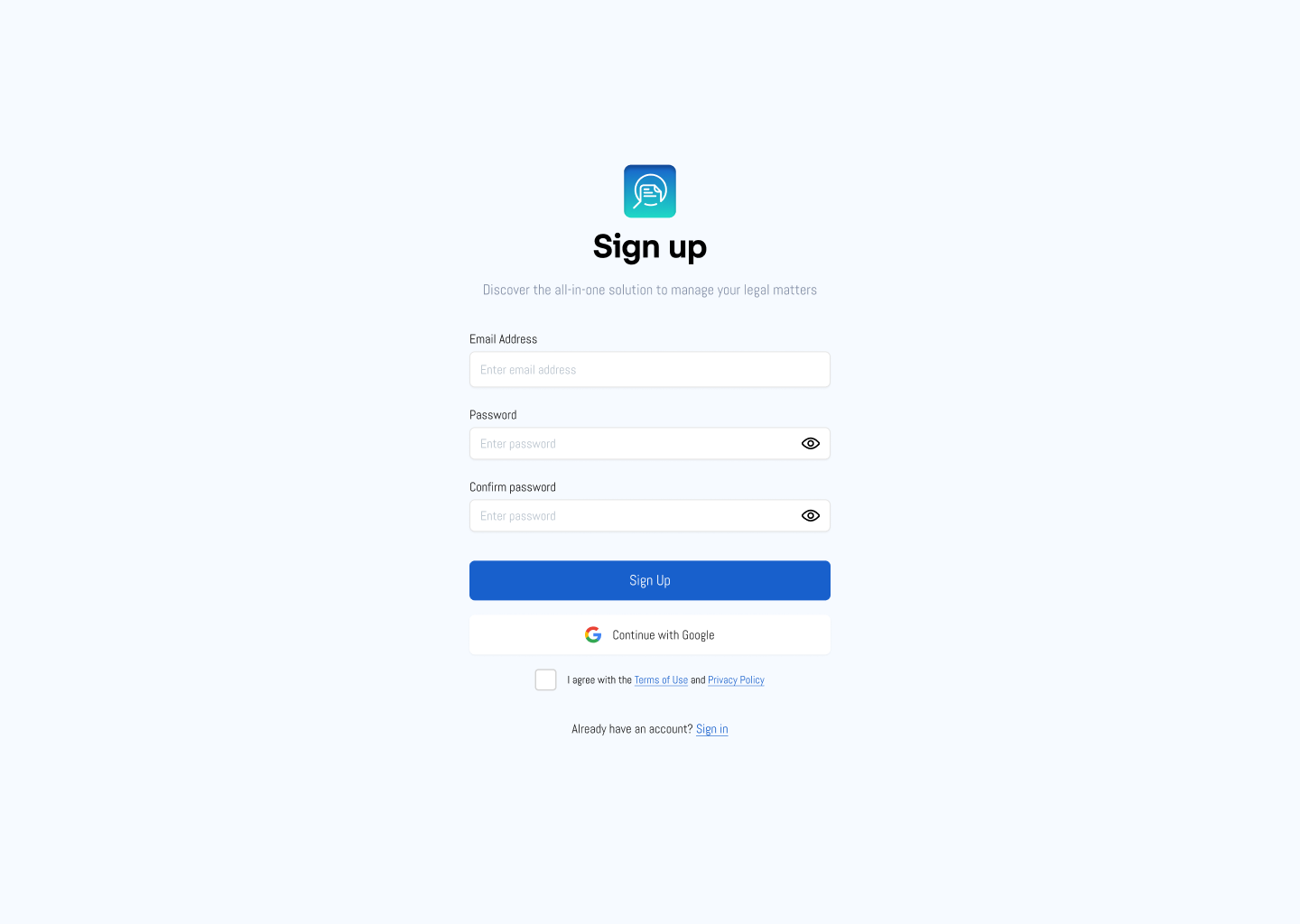
- Full Name: Enter your legal first and last name. This name will be associated with your account.
- Email Address: Provide a valid email address that you have access to. This email will be used for account verification, password recovery, and important notifications.
- Username: Choose a unique username that you will use to log in to your account. This can be your name or any other identifier you prefer.
- Password: Create a strong password for your account. A strong password typically includes upper and lower case letters, numbers, and special characters.
- Please note that additional information may be required.
Step 3: Agree to Terms and Conditions
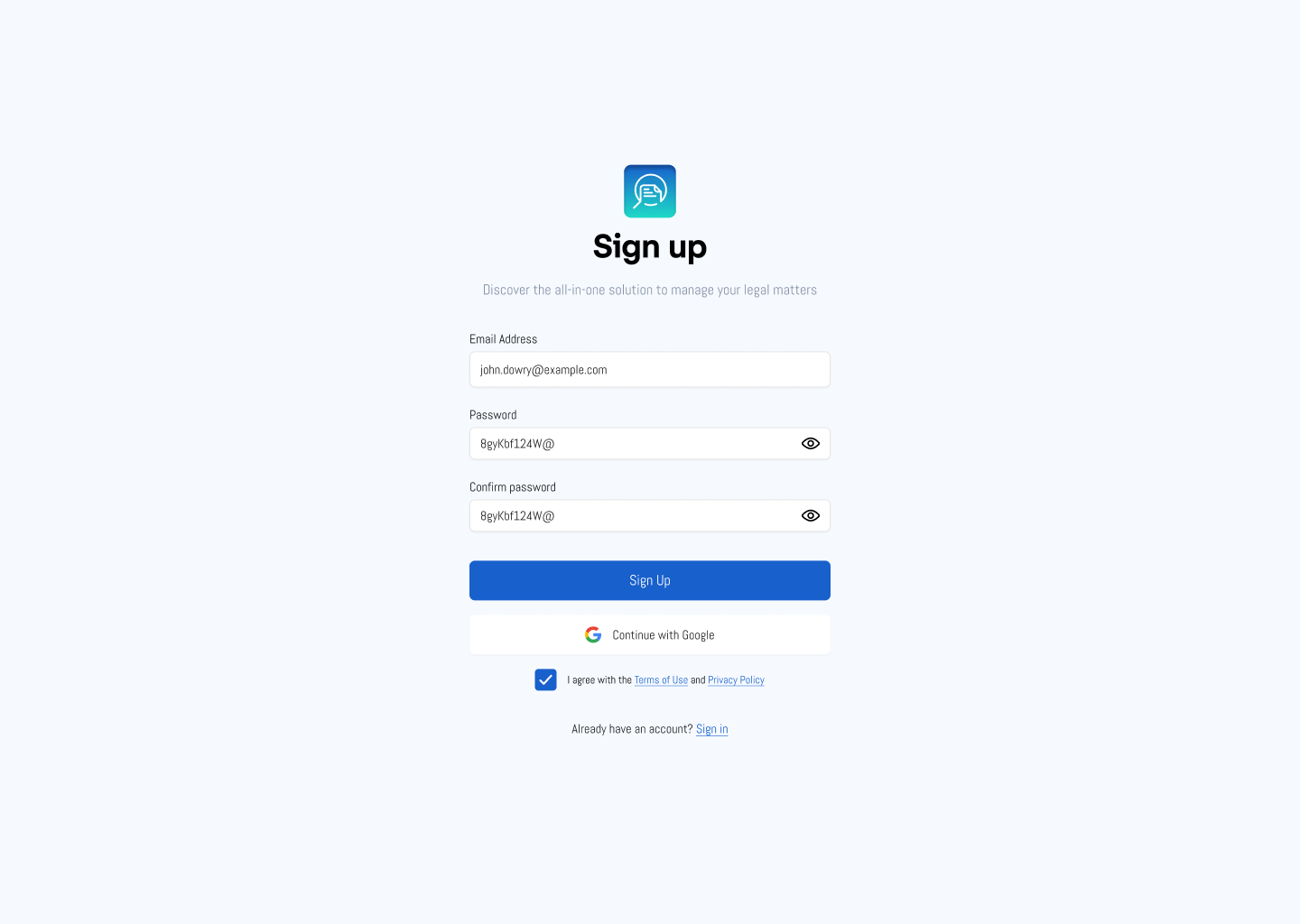
Before you can complete your registration, you will need to read and agree to our terms and conditions and privacy policy:
- Click on the links provided to read the terms and conditions and privacy policy.
- Check the box indicating that you have read and agree to these terms.
 Step 4: Verify Your Email Address
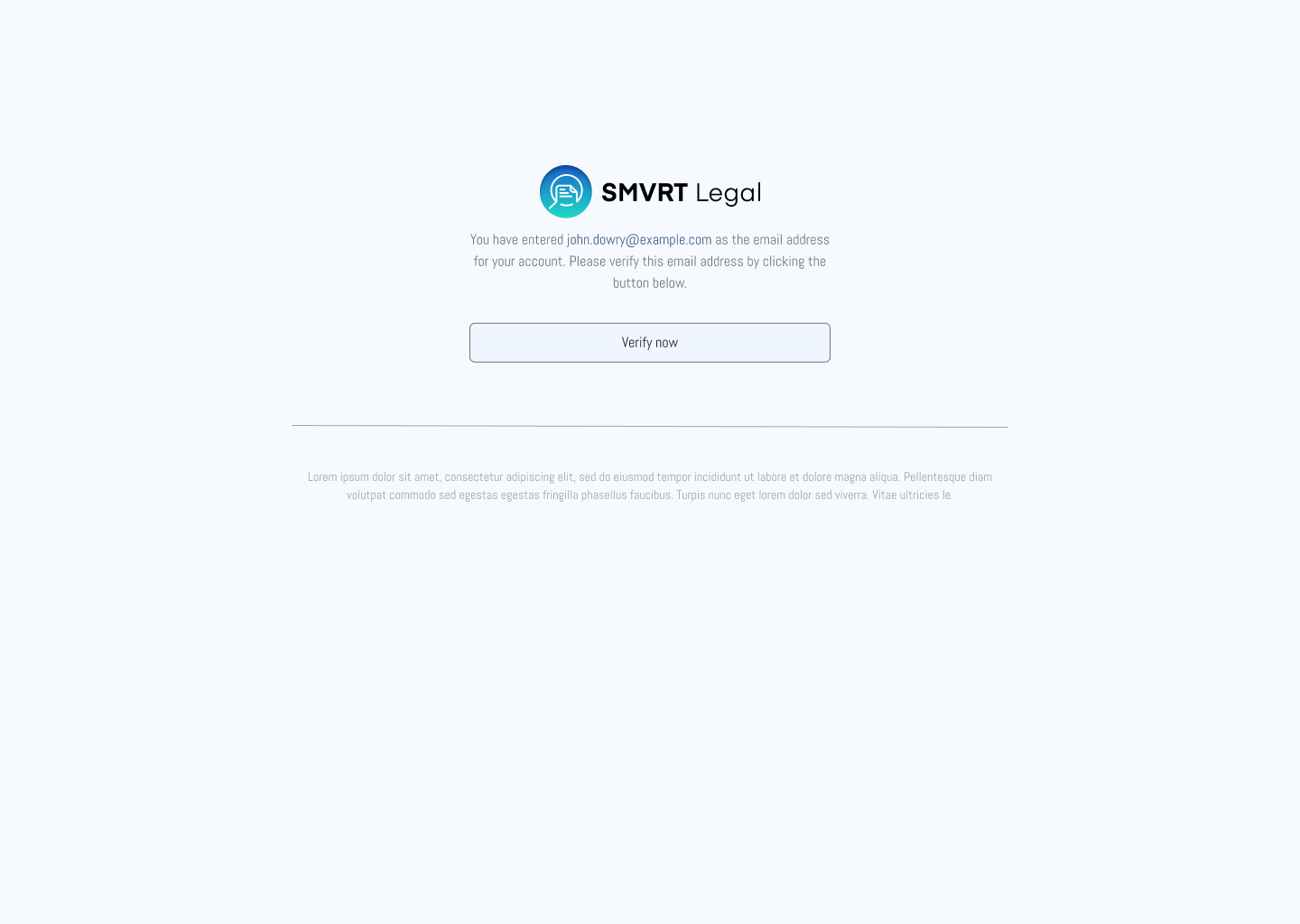
After submitting the registration form, you will receive an email with a verification link:
- Check your email inbox for a message from our website.
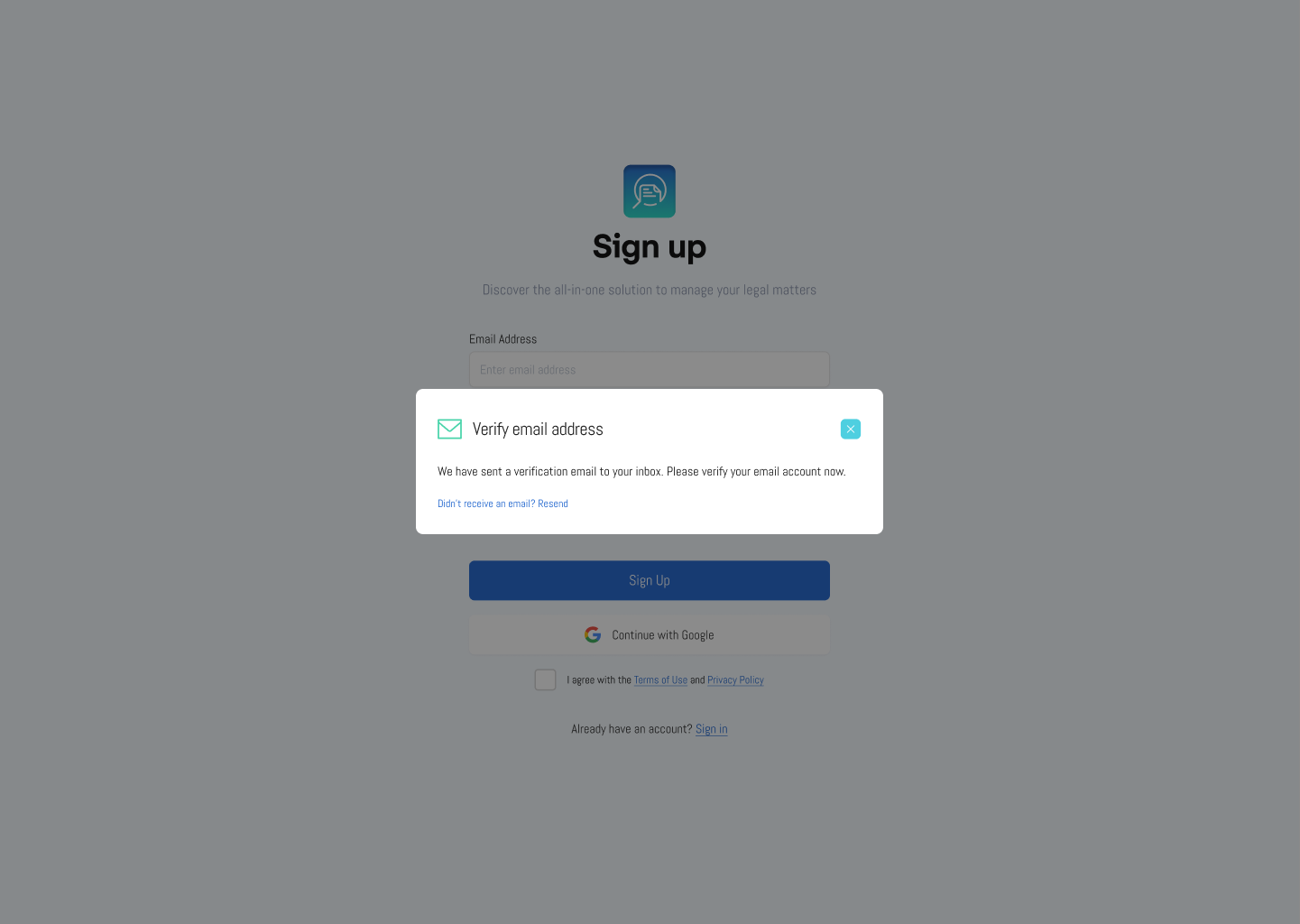
2. Open the email and click on the verification link provided. This will confirm your email address and activate your account.
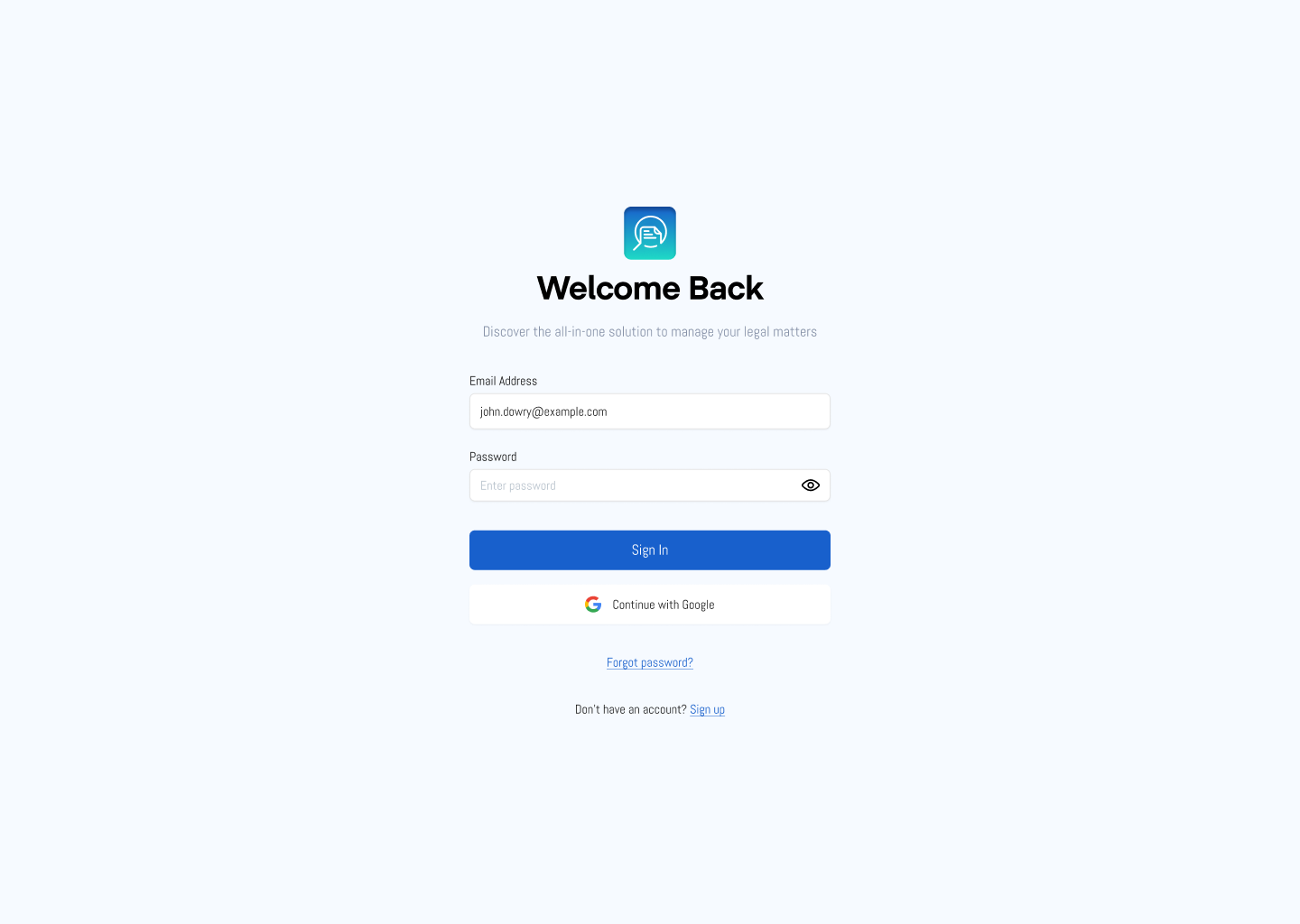
Step 5: Sign Into Your Account
Once your email is verified, log in to your new account:
Contact Support
If you need further assistance, our support team is here to help. Contact us via the "Resources" or "Contact Us" page on our website, and we’ll be happy to assist you with any questions or issues you may have.
Was this article helpful?
That’s Great!
Thank you for your feedback
Sorry! We couldn't be helpful
Thank you for your feedback
Feedback sent
We appreciate your effort and will try to fix the article