How to Sign In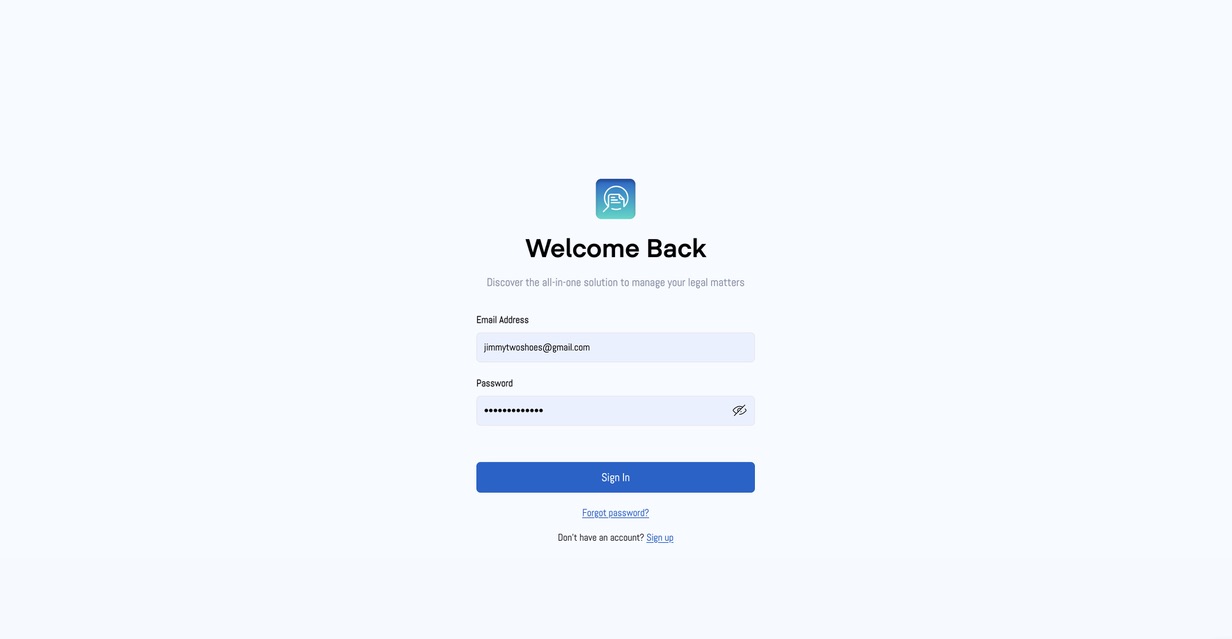
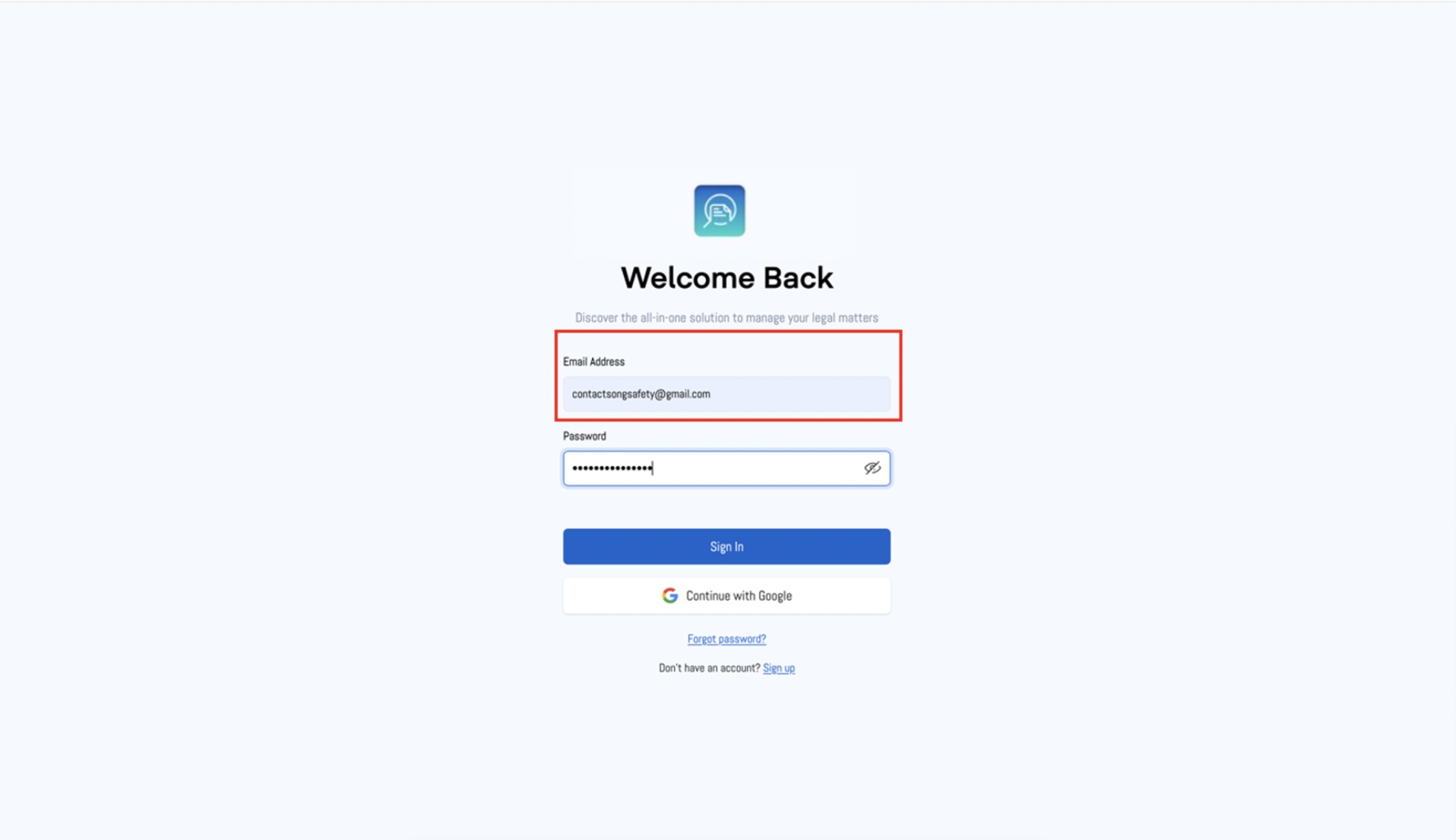
1. Email Address
- Enter your registered email address in the provided field. You'll need to sign up if you don't have an account.
- Example: "contactsongsafety@gmail.com"
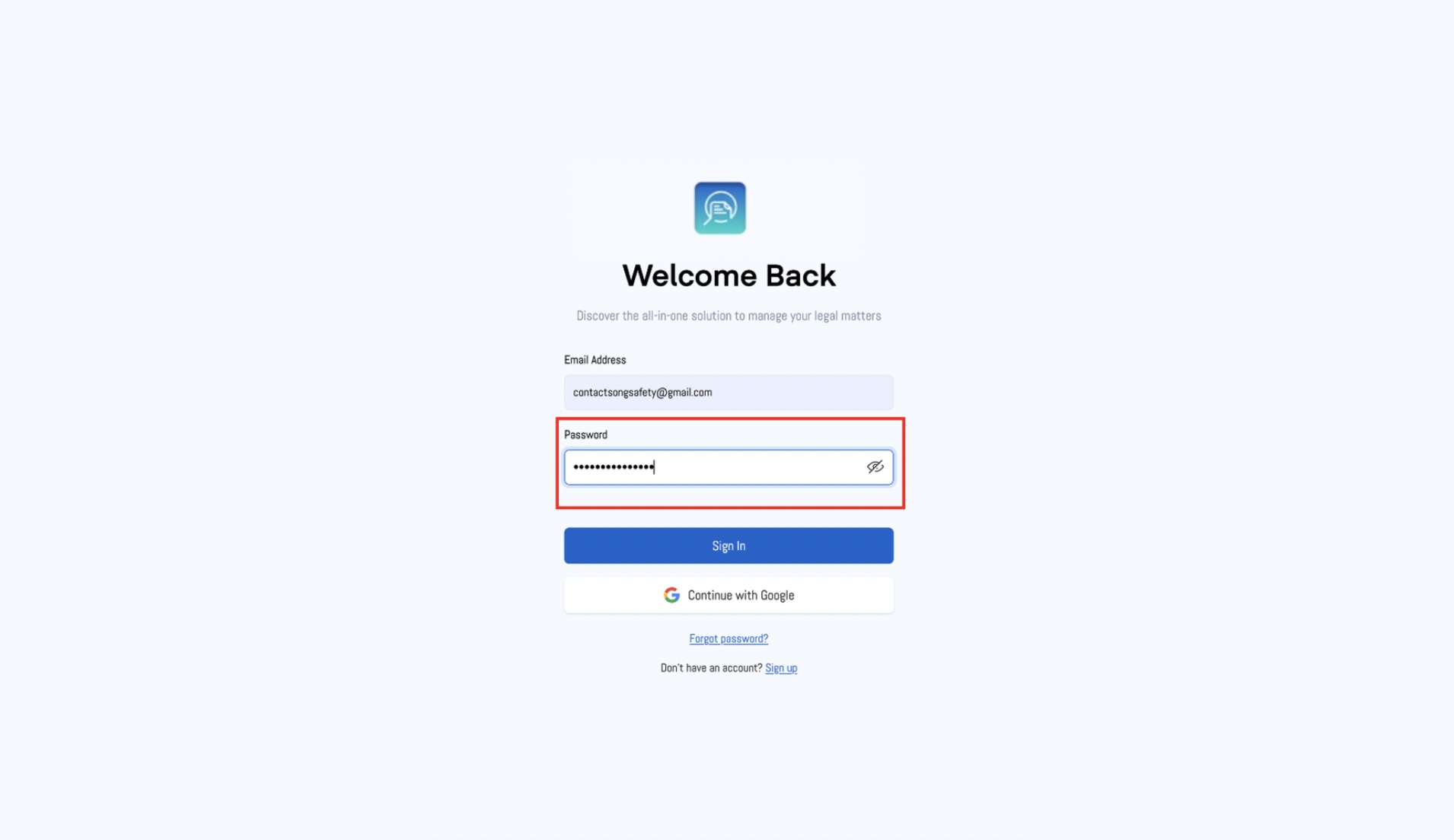
2. Password
- Enter your password in the password field. For security, your password will be hidden, represented by dots ("•••••••••••••••").
- If you want to see your password as you type, click the eye icon next to the password field.
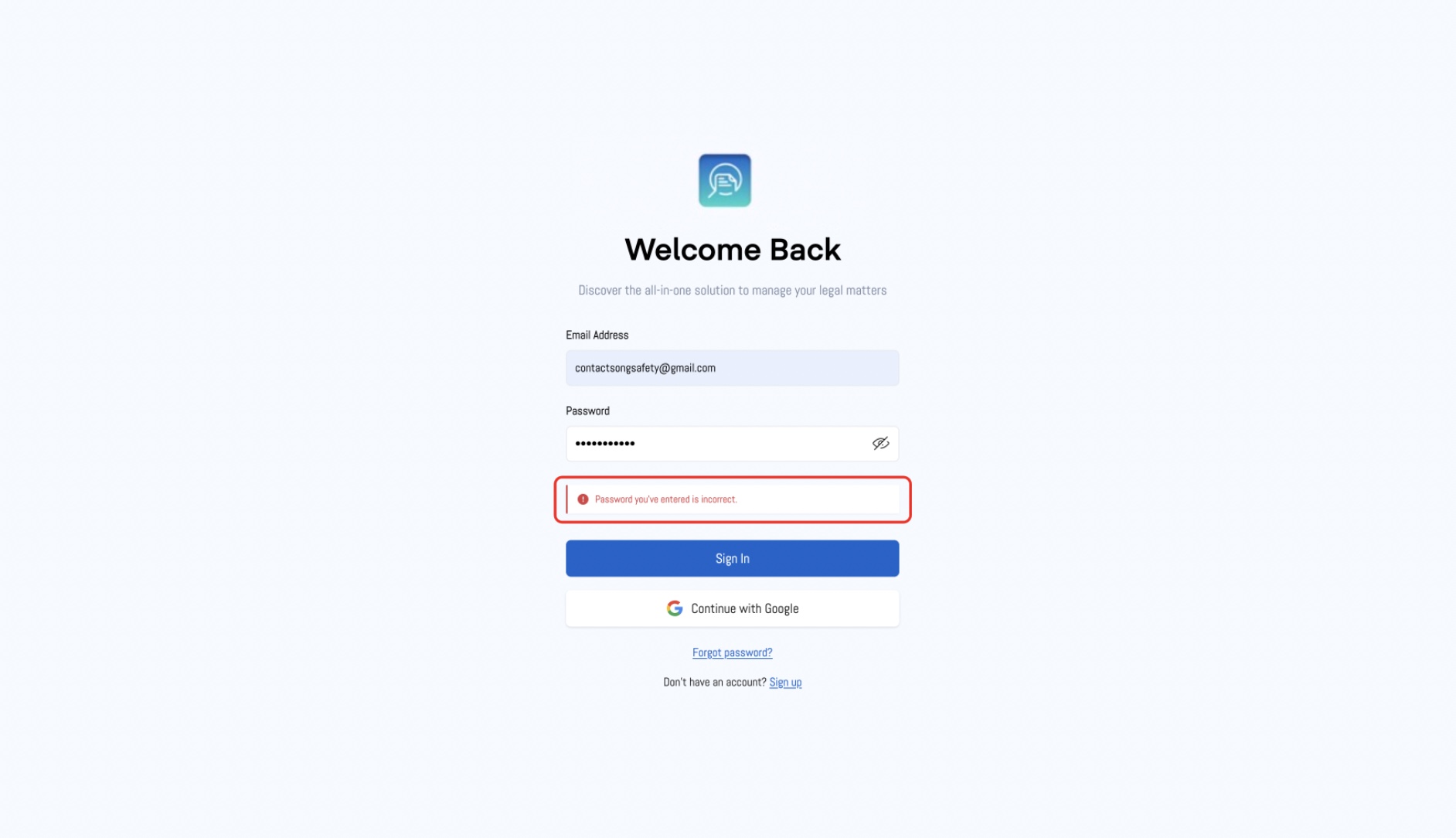
3. Error Message
- If you enter an incorrect password, you'll see the message: "Password you’ve entered is incorrect." Please double-check your password and try again.
4. Sign In
- Once you've entered your email and password, click the "Sign In" button to access your account.
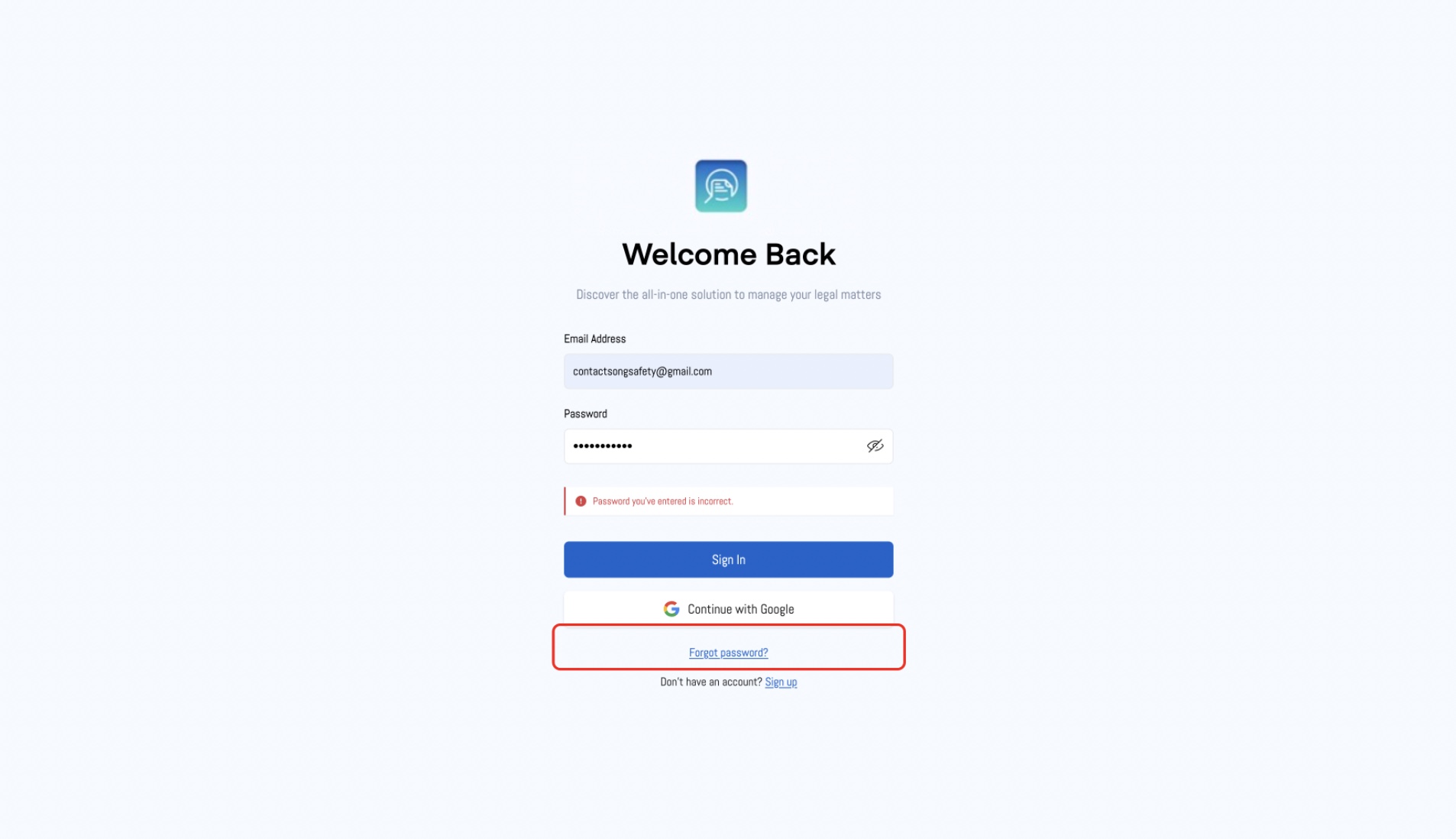
5. Forgot Password?
- If you forgot your password, click the "Forgot password?" link to reset it. Follow the instructions provided to regain access to your account.
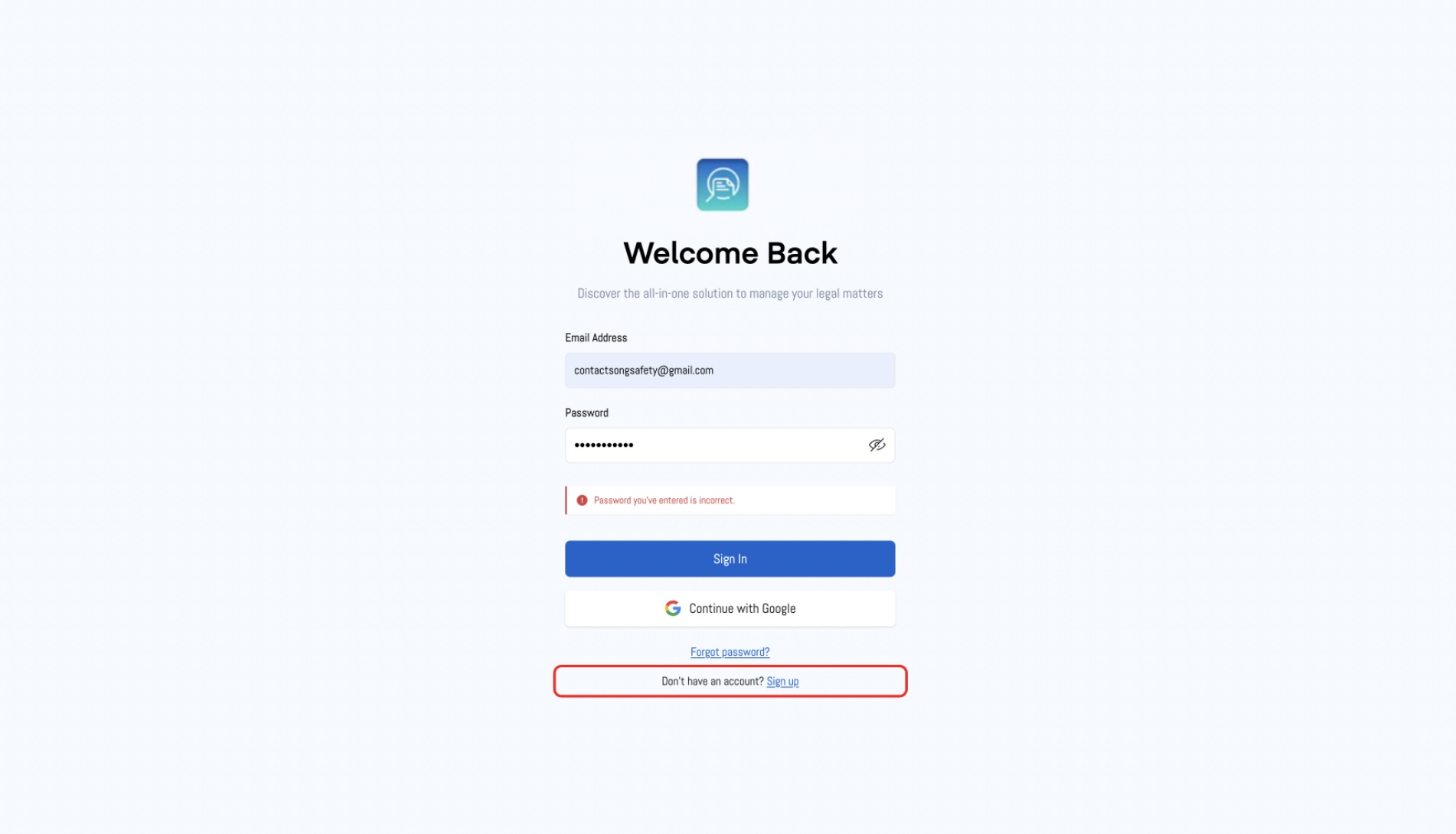
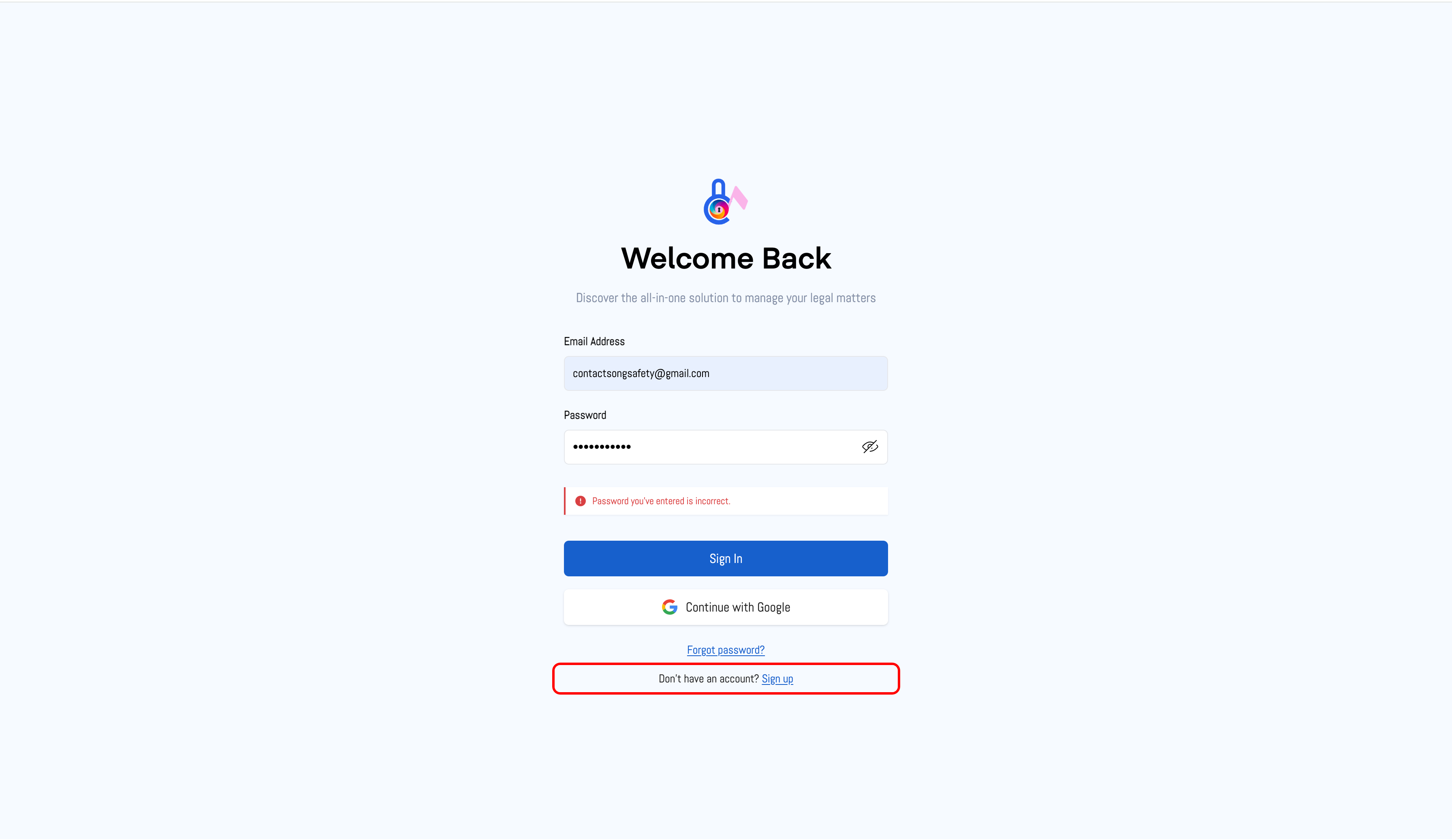
6. Don’t Have an Account? Sign Up
- If you don’t have an account, click the "Don’t have an account? Sign up" link to create a new account.
Was this article helpful?
That’s Great!
Thank you for your feedback
Sorry! We couldn't be helpful
Thank you for your feedback
Feedback sent
We appreciate your effort and will try to fix the article