SMVRT Legal makes it easy to connect with your attorney once you've requested a custom agreement. There are two options for messaging with and commenting on your project. Let's look at the differences here:
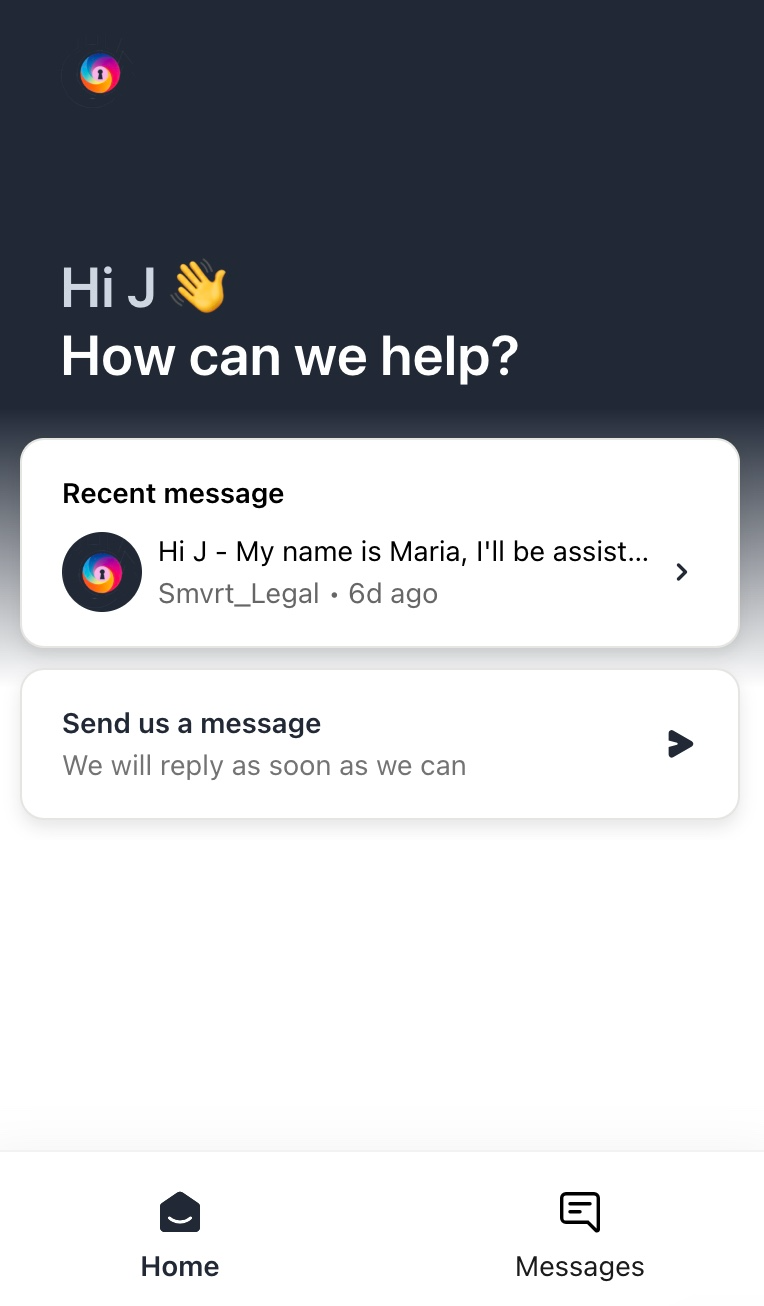
You can chat directly with your assigned attorney through the platform’s messenger feature.
CHAT FEATURE: To ask general questions, we recommend our chat feature. This tool allows you to seamlessly communicate with your Lawyer about general agreement details, questions, etc. This tool is available at all times in your collaboration space.
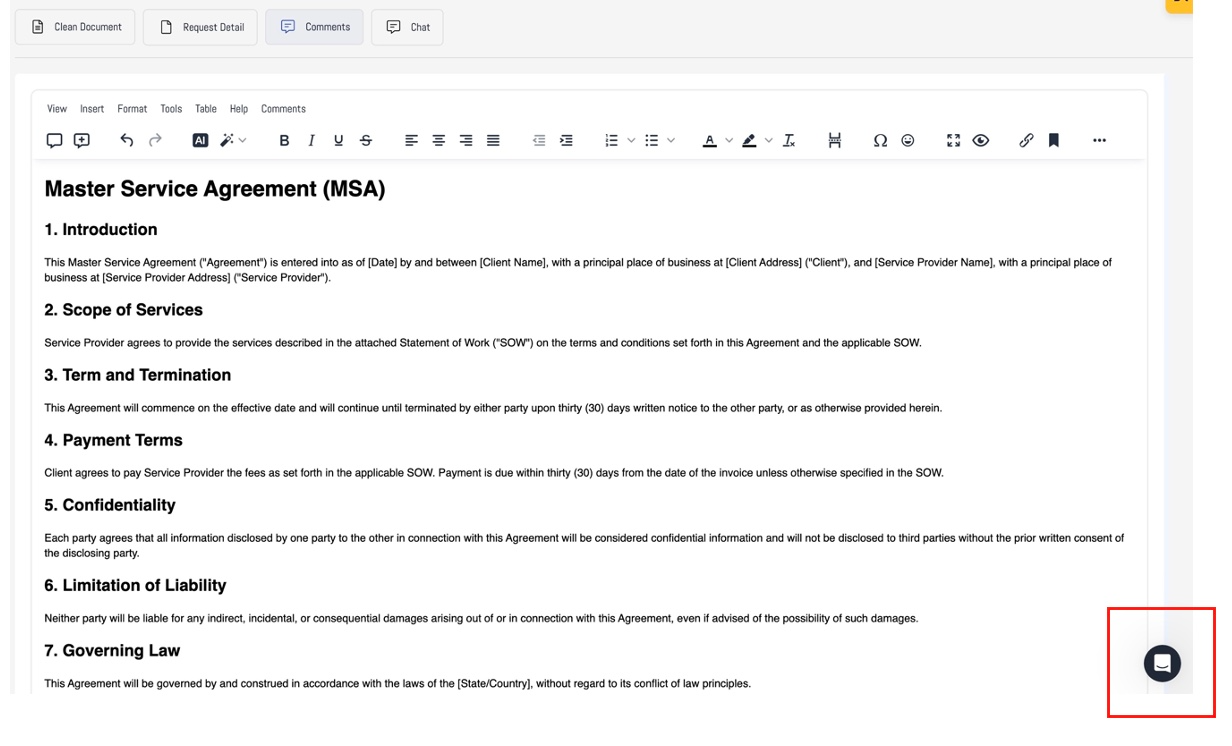
- Use this chat to ask questions, clarify details, or request adjustments to the agreement.
COMMENTS: To insert comments directly into the chat, we recommend using the Comments feature:
- To comment click > the "Comments" Tab in the top menu
 This will display the Comment's functionality(discussion bubbles) below:
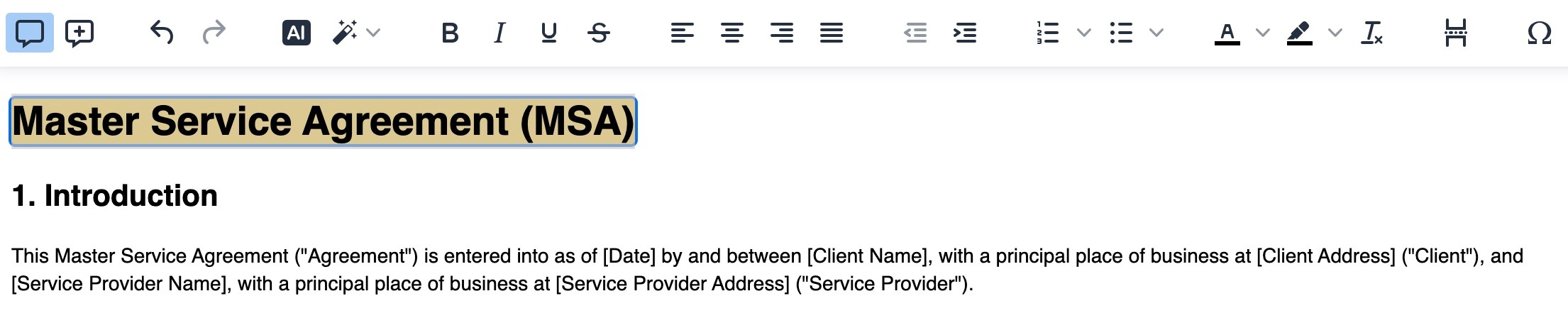
- To add comments, highlight the area you'd like to comment on and click the "bubble + " icon.
- To view comments, click the "bubble" icon.
Was this article helpful?
That’s Great!
Thank you for your feedback
Sorry! We couldn't be helpful
Thank you for your feedback
Feedback sent
We appreciate your effort and will try to fix the article