You can start a new membership or update your membership within the payment and billing section of the platform.
To purchase a new plan or to update your current plan you can click:
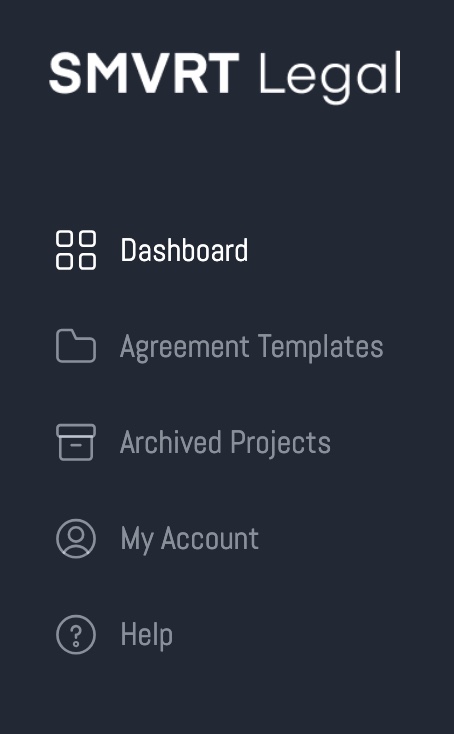
- The My Account button in the menu.
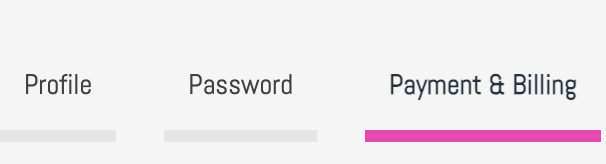
- Next click > "Payment & Billing"
OR
You can click the "Upgrade Now" button at the bottom of the menu:
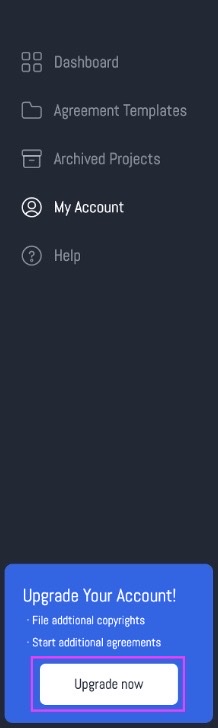
This will take you directly to the Payment & Billing > SMVRT Legal payment plan page.
Select your plan:
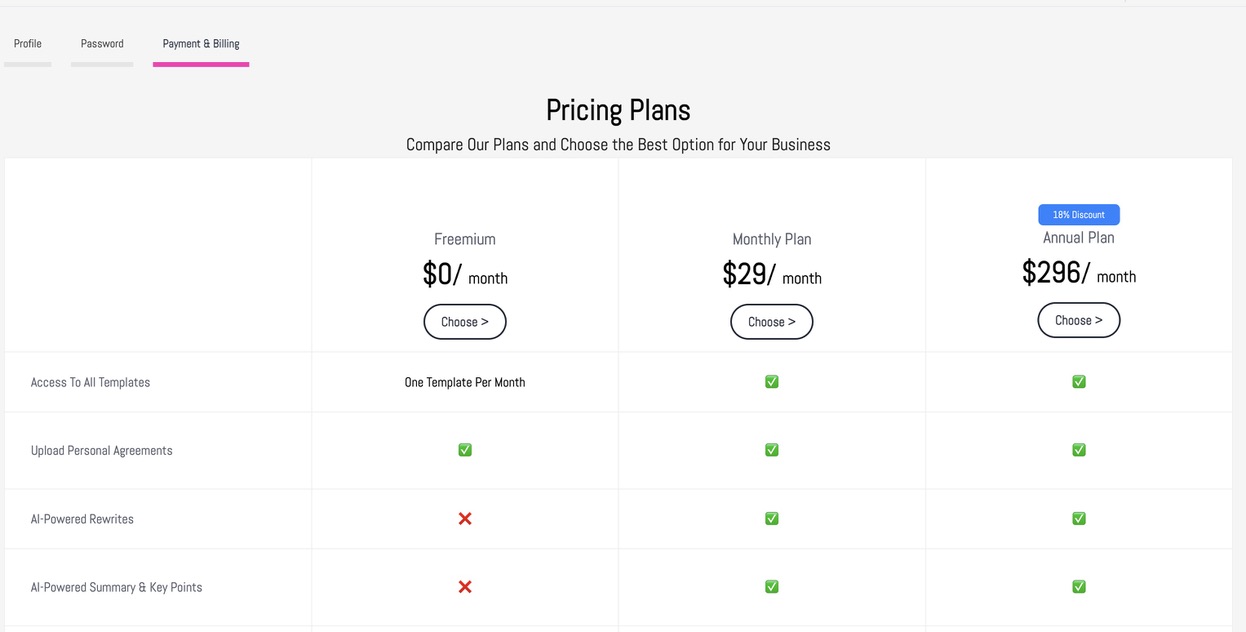
Within the My Account page, you can select the best plan for you. Plans can be updated at any time if you need access to more agreement templates than you originally anticipated.
To select a SMVRT Legal plan, click the "Choose" button on the plan you'd like to select:
When you select the plan you'd like, you'll be directed to the payment page:
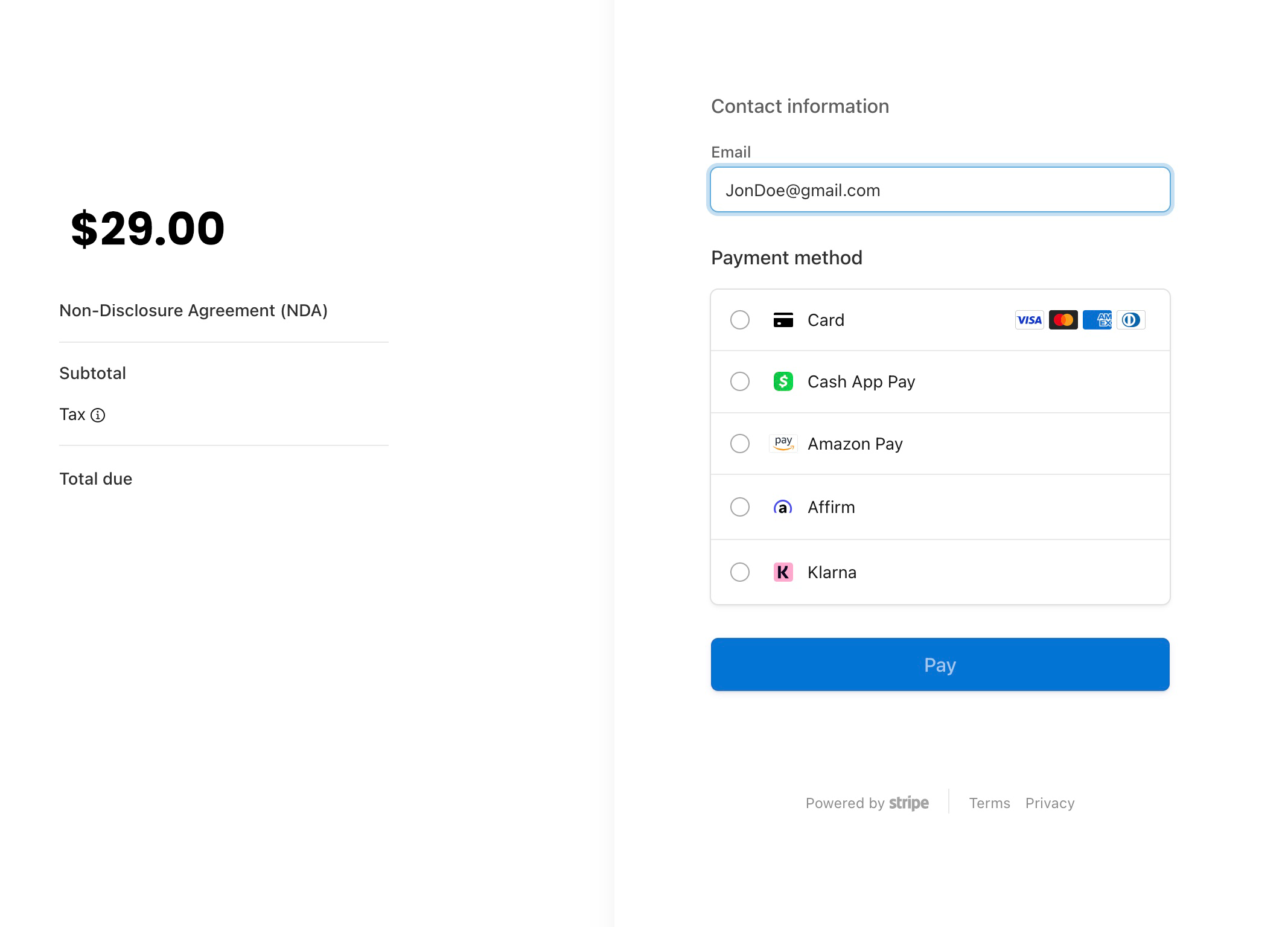
Here you can either enter your credit card information or select the Google Pay option. Click "Pay" to complete your purchase.
You'll be directed back to My Account page with details on your purchase:

in this example, we purchased one annual membership and one custom agreement.
This is an ongoing account of all purchases made within the SMVRT Legla platform.
Canceling Your Account:
Please submit a ticket through our support site to cancel your subscription. Please note that canceled subscriptions will be billed through the end of their monthly or annual billing term.
Connect via Chat:
- Reach out to us using the chat feature icon on the dashboard. This allows us to capture the necessary information quickly and efficiently.
- Click the chat icon located at the bottom right of the SMVRT Legal dashboard screen
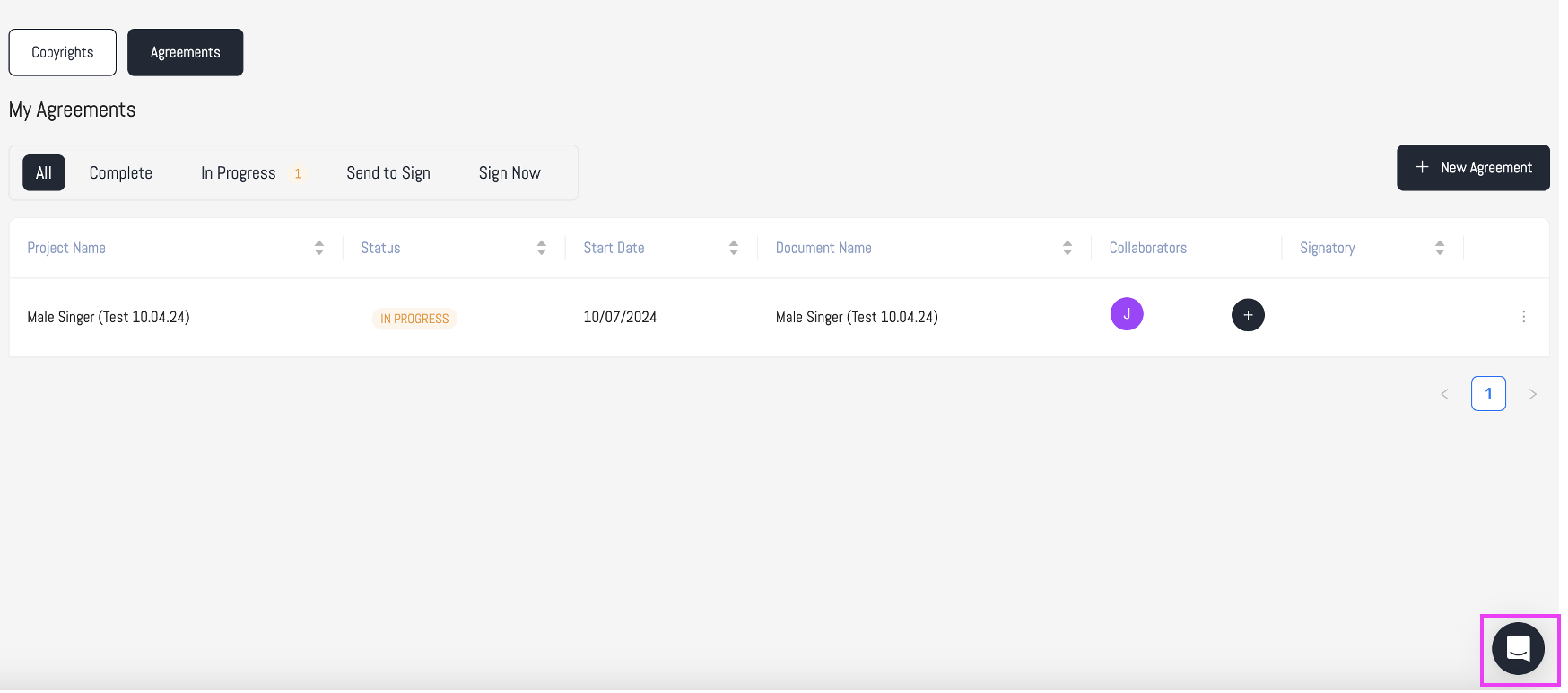
- Start chatting with a member of our team.
We're here to help, so reach out any time!
Was this article helpful?
That’s Great!
Thank you for your feedback
Sorry! We couldn't be helpful
Thank you for your feedback
Feedback sent
We appreciate your effort and will try to fix the article