Using a Completed Custom Agreement in SMVRT Legal
Once your custom agreement is completed, follow these steps to use it effectively within the platform.
Step 1: Accessing the Completed Custom Agreement
- Once a lawyer marks the project as complete, the document is locked and stored in the Custom Agreements dashboard.

This master copy of the document cannot be edited.
"Complete" indicates that the document can not be edited.
Step 2: Using the Custom Agreement in a New Project
- To use the custom agreement in a new project, click “+ Start a New Project” in the dashboard.
- Enter a Project Name and a Document Name, and optionally, add a summary.
Click “Start Project” to initiate the new project.

Step 3: Project Workflow
The project will function just like a templated agreement workflow. For detailed workflow instructions, refer to this document.
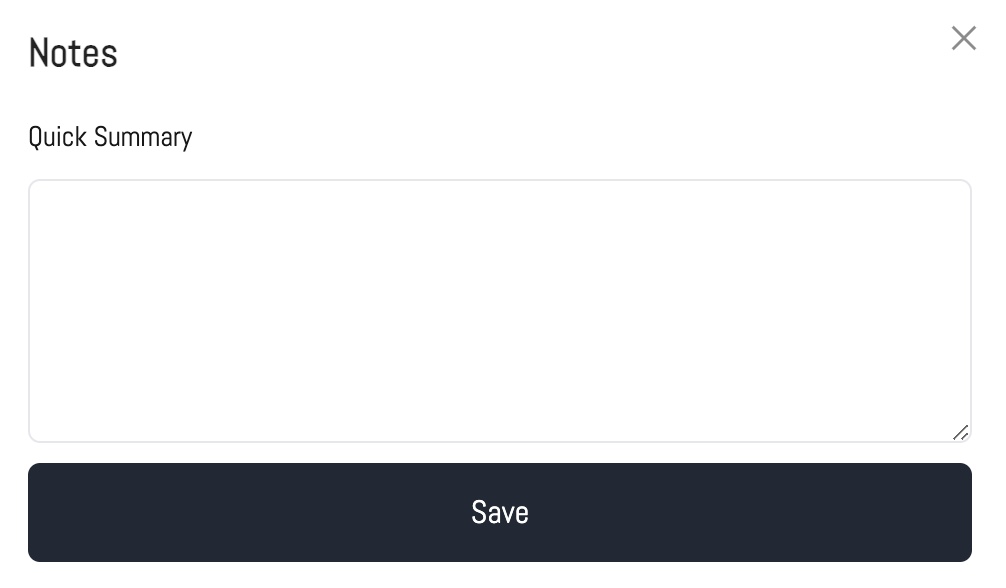
Step 4: Adding Notes to the Master Agreement
Users can add notes to the custom agreement, which will be stored on the master file for reference.
Was this article helpful?
That’s Great!
Thank you for your feedback
Sorry! We couldn't be helpful
Thank you for your feedback
Feedback sent
We appreciate your effort and will try to fix the article